Give your sound FORM.
Focus on the idea, not the busywork. Everything you've ever wanted from a DAW, with all of the modern powers of AI.
Bring the agent
you already use.
Ask for edits directly inside FORM, or connect Claude Code or Codex. Describe what you want to change. Keep making music.
Your agent
Claude Code or Codex
The pads conflict with the kicks. Duck them.
Added a sidechain to the kicks.
Your session
FORM
A project your agent can read.
Your agent can inspect tracks, notes, and automation directly in the project files. Changes can be compared in Git. Audio and plugin state keep their own formats.
Readable session files
- track.toml
- Tracks
- chorus.notes.csv
- MIDI notes
- automation.toml
- Automation
Plain text · Git-friendly
Original file formats
- vocal.wav
- Audio
- synth.state
- Plugin state
Stored alongside the session
The workspace
Waveforms, notes, and automation share one canvas. Select a clip to bring its editing controls into view. You can use the DAW without an agent.
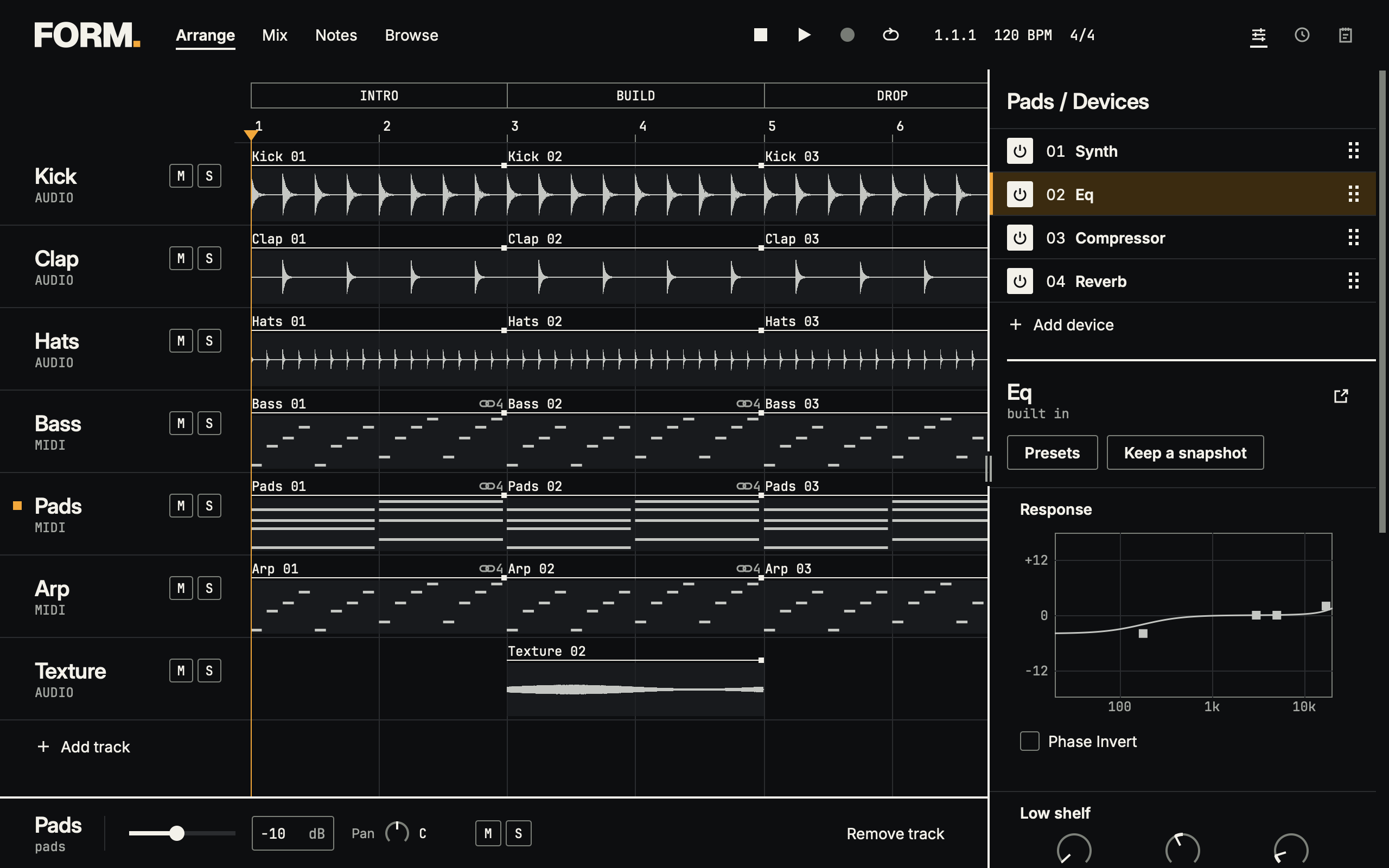
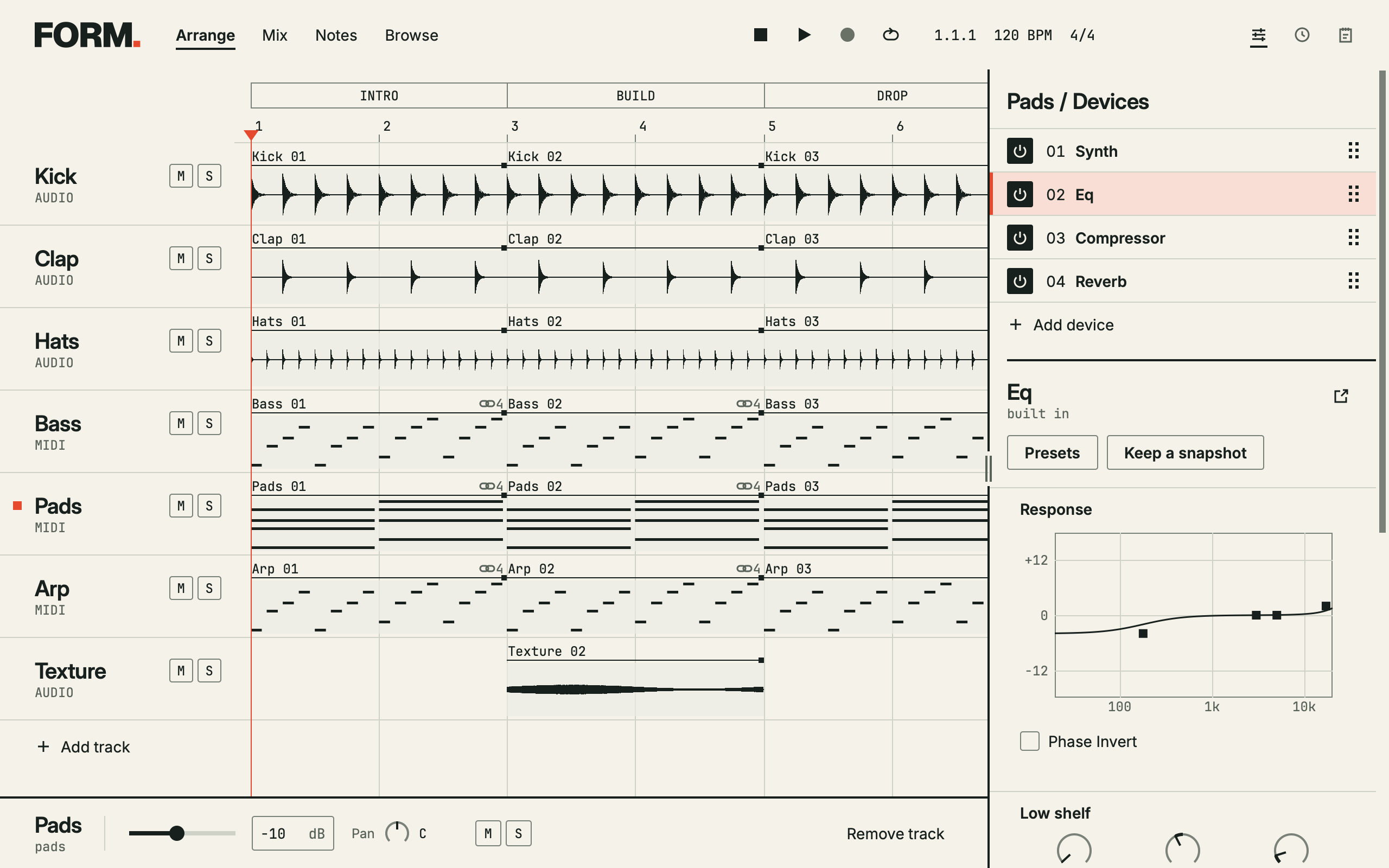
Stay in the song.
When you know what needs changing, ask for it. The result stays in the session, ready for your next edit.
Catch problems.
Keep making music.
Automated checks flag clipping, phase problems, excessive compression, and more. See what needs attention and where it happens, without hunting through every track.
Measurements catch problems. Your ears decide the mix.
Full songMaster
0:001:002:003:18
- 0:48
Master is clipping
Peaks exceed the output ceiling.
- 2:08
Vocal loses level in mono
Check the stereo channels’ polarity.
L / R correlation −0.92
Adjust any edit.
Undo any change.
An agent can start the edit. You can finish it by hand. Each change has its own place in the undo history.
Added an ending fade
Adjusted the curve
Undo either step.
Keep your
go-to plugins.
The synth you know inside out. The compressor you reach for on every mix. Use them in FORM, with their own editors and presets.
Ask an agent to adjust a plugin’s exposed parameters, or turn the controls yourself. Both edits stay in the same session.
-
Synth
VST3 instrumentFilter cutoff 2.4 kHz -
EQ
VST3 effect -
Compressor
VST3 effect
To the mix
Pricing
Free, always.
The complete DAW. No subscription required.
$0Free & open source
- The complete DAW
- No paid DAW tiers
- Make music with or without an agent
For AI, choose our optional paid service or bring your own API key. Provider usage charges may apply.